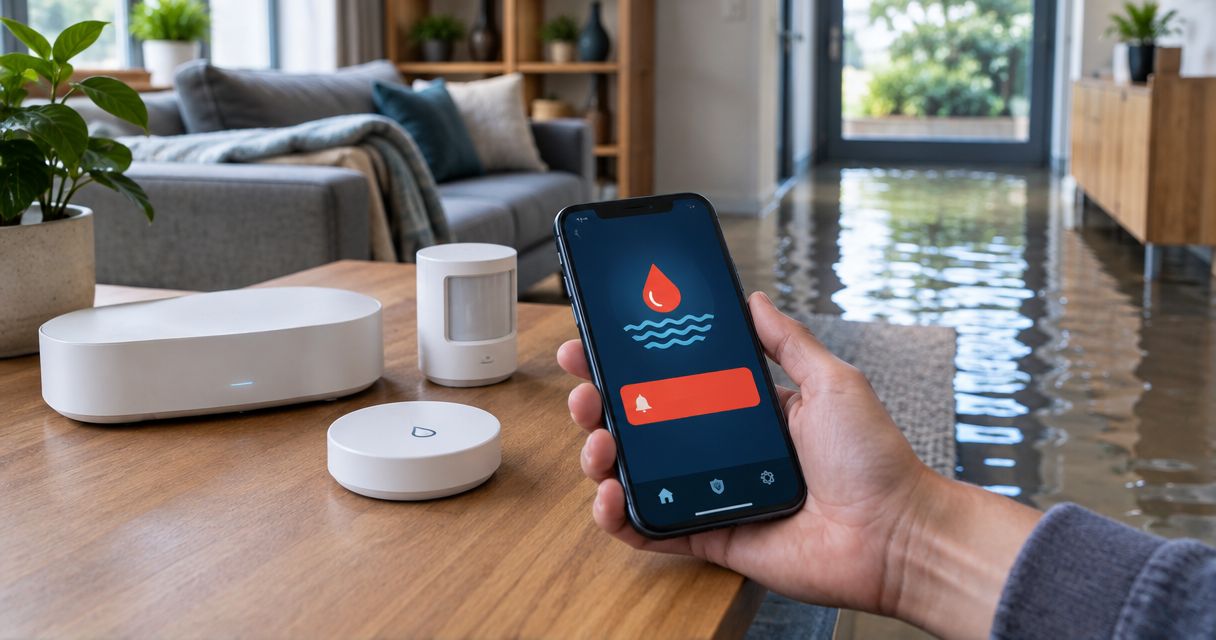
Instead of manually checking for leaks, connect a compatible water sensor to your security system and route its alerts to someone who can respond. This guide explains how to configure home security system flood damage alerts in 2026, test notification delivery, and turn a warning into a safe response.
- Home security system flood damage alerts need compatible water sensors, enabled notifications, and a tested response plan.
- A leak alert detects water at the sensor; it does not confirm damage or automatically dispatch help.
- Firewaterdamage provides water damage restoration for property owners who need cleanup after a leak.
- Test alerts while the security system is disarmed and while the receiving phone is locked.
Why this matters
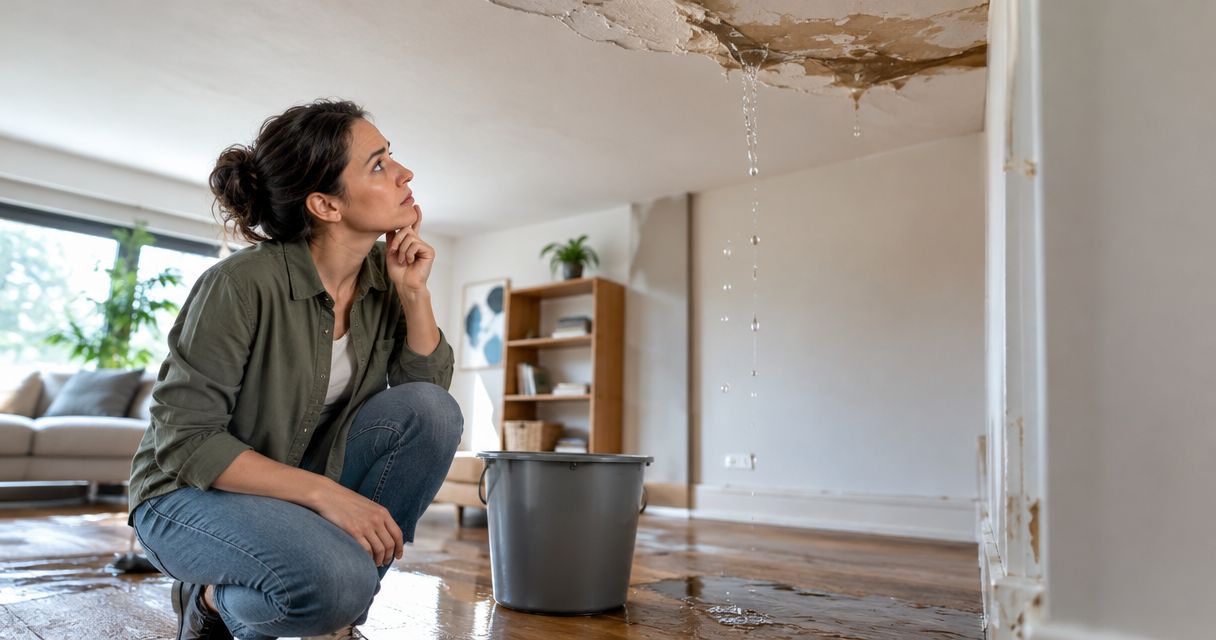
A security system cannot detect water simply because it has motion sensors, cameras, or door contacts. You need a supported water-sensing device and a working notification path. Even then, a notification is only useful when someone knows what to do next.
Firewaterdamage is best suited to homeowners and property owners who need water damage restoration, not security-system installation. Firewaterdamage offers 24/7 emergency response and IICRC-certified cleanup crews in Temecula, Escondido, and North County San Diego/Inland Empire.
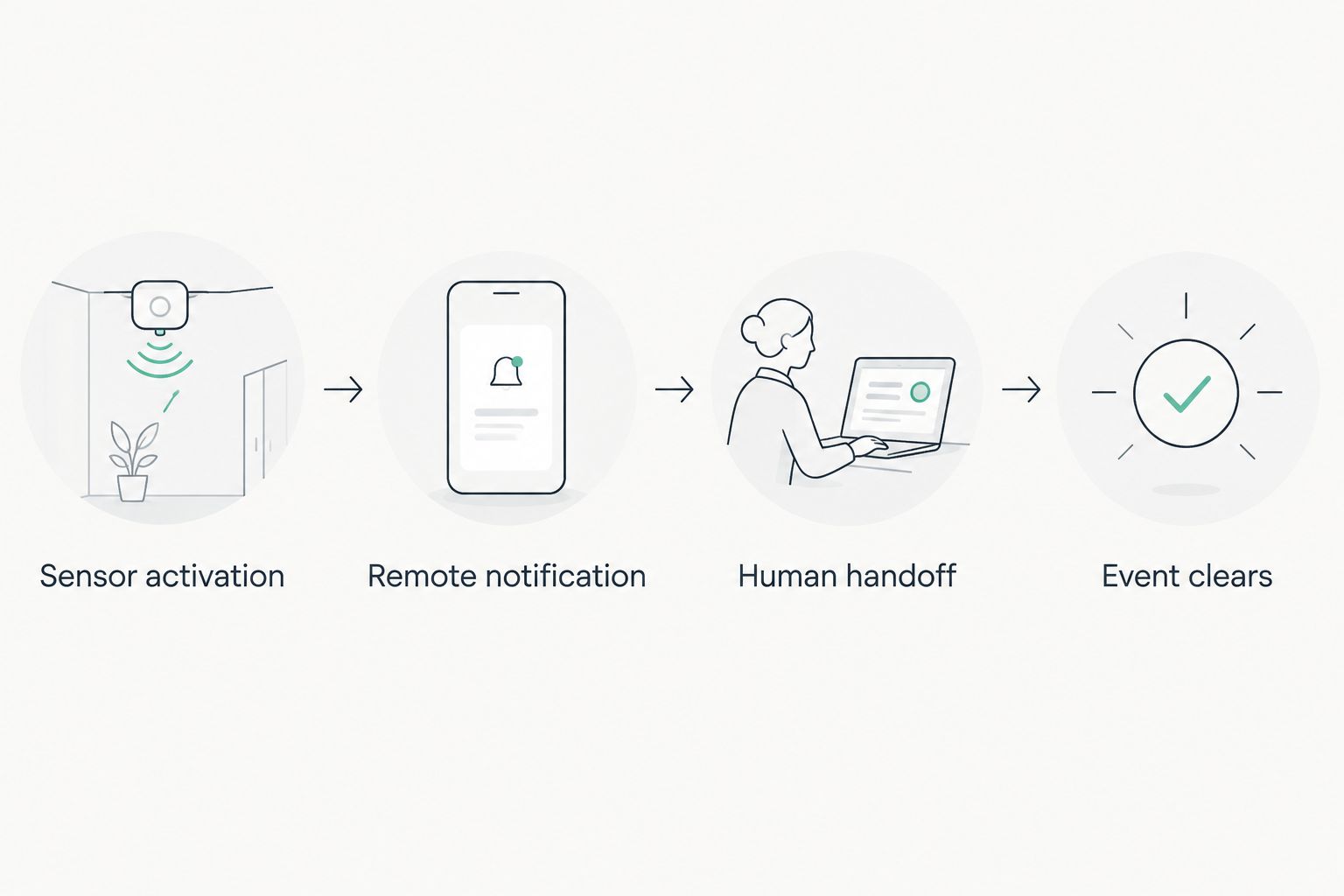
Keep the responsibilities separate: the sensor detects water, the security platform sends the warning, and a person coordinates the response. Connecting those responsibilities does not create an automatic restoration dispatch service.
Before you start
- Confirm compatibility and access. Have the exact security hub model, supported water-sensor model, account-owner access, and the manufacturer's current pairing instructions. Check compatibility against the actual model, not just the wireless protocol or brand name.
- Prepare the receiving phones and response details. Install the required app, confirm account access, and record the property address, sensor location, authorized contacts, and safe water-shutoff location. Choose 2 recipients where permissions allow: a primary responder and a backup.
- Check the disarmed-state gotcha. Do not assume a water sensor behaves like a burglary zone. Confirm whether water alerts operate while the system is disarmed and whether remote notifications require a particular service entitlement. Resolve that before installation.
Choose the connection path
Use a security-system connection when your exact hub supports the sensor. Otherwise, a separate leak-sensor app is a different workflow—not an integration with the alarm panel.
| Connection path | Best for | Advantage | Limitation |
|---|---|---|---|
| Supported sensor connected to the security hub | Owners who want water events in their security account | Keeps supported events and recipients within the security platform | Depends on exact device compatibility and account features |
| Standalone sensor with its own app | Owners whose security hub does not support water sensors | Provides a separate route for leak notifications | Requires another app and a separately tested response plan |
Choose verified compatibility over a workaround. A device that appears in an app but cannot generate the required event has not completed the workflow.
Sensor enrollment and placement
Add the supported water sensor
- Open the manufacturer's instructions for your exact hub and sensor. Follow its device-enrollment sequence; there is no universal pairing button or menu label across security systems.
- Sign in with an account authorized to add devices. Use the app or control panel specified in those instructions, rather than a general-purpose smart-home app unless explicitly supported.
- Put the sensor into pairing mode using the documented procedure. Complete enrollment before placing it behind an appliance or inside a cabinet.
- Assign a location-specific name, such as “Laundry floor” or “Kitchen sink cabinet.” These are example names you create, not preset interface labels.
- Confirm that the sensor appears in the correct property's device list and that the system reports its current status.
For your 2026 setup record, save the sensor model and its assigned location. A clear name helps the recipient investigate the right room without searching through device identifiers.
Expected result: The correct property account recognizes the sensor, and its location is understandable to someone who did not install it.
Position the sensing contacts
Place the sensor according to its installation instructions, where escaping water is expected to reach its contacts. Under-sink cabinets and floors near washing machines are practical locations to assess, but the sensor's design determines its permitted placement.
Do not mount contact-based sensing points above the surface you intend to monitor. Keep the device away from routine splashes unless that location and exposure are permitted by the manufacturer.
A point sensor only detects water that reaches it. It does not establish whether a pipe is leaking inside a wall or whether moisture has spread beneath flooring.
Alert routing and phone permissions
Configure the water-event notification
- Locate the enrolled sensor's supported notification controls using the manufacturer's documentation. Select the water-detection event, not a general motion event or an unrelated alarm state.
- Enable the supported remote notification channel. If email or text messaging is offered, verify that it applies to water events before relying on it.
- Add the authorized primary recipient and backup recipient. Use separate authorized accounts where supported; do not share the account owner's password.
- Check whether notification rules change with arming mode, schedules, or user permissions. Set the behavior needed for an occupied home as well as an empty property.
- On each receiving phone, allow notifications for the relevant app. On an iPhone, check Settings, Notifications, the app's name, and Allow Notifications. On other phones, follow the operating system's app-notification controls.
- Review Focus, Do Not Disturb, notification summaries, and sound settings. Do not assume an ordinary app notification can override a silenced phone.
As part of your 2026 notification check, confirm that the alert identifies the property and sensor. If the message lacks location detail, make the device name more specific where the platform permits it.
Expected result: Each intended recipient can receive an identifiable water event without opening the app to search for it.
Define the human handoff
Write down who acknowledges the alert, who can access the property, and who contacts a plumber or restoration company. An app invitation does not establish that responsibility.
For shared properties, keep access instructions in an appropriately secured record rather than a notification visible on a locked screen. Include a backup contact when the primary responder cannot attend.
End-to-end verification
Test the complete alert chain
- Check whether your monitoring provider requires a test procedure before activating the sensor. Follow that procedure to avoid an unintended monitored event.
- Activate the sensor using only the manufacturer's approved test method. Do not immerse the housing or pour water near electrical equipment.
- Run 3 test cases: the system disarmed, the system armed, and the receiving phone locked. Confirm the documented behavior in each case rather than assuming all states work identically.
- Ask each recipient to confirm the property name, sensor location, and required response. Check the actual receiving phone, not just the sender's event history.
- Reset and dry the sensor as instructed. Confirm that the event clears and the device returns to normal operation.
Expected result: A physical sensor activation produces the intended notification, reaches the designated people, and clears after the test condition ends.
Record the date and outcome of your 2026 acceptance test. Re-test after changes to the hub, app permissions, network, recipient list, or sensor position.
Set the response boundary
A water alert is a reason to investigate safely, not permission to enter a hazardous room. Do not step into standing water where electrical hazards are possible, touch wet electrical equipment, or enter an area with suspected structural danger.
If safe access is uncertain, keep people away and seek appropriate emergency assistance. If you can reach a known water shutoff without entering the affected area, follow the property's established shutoff procedure.
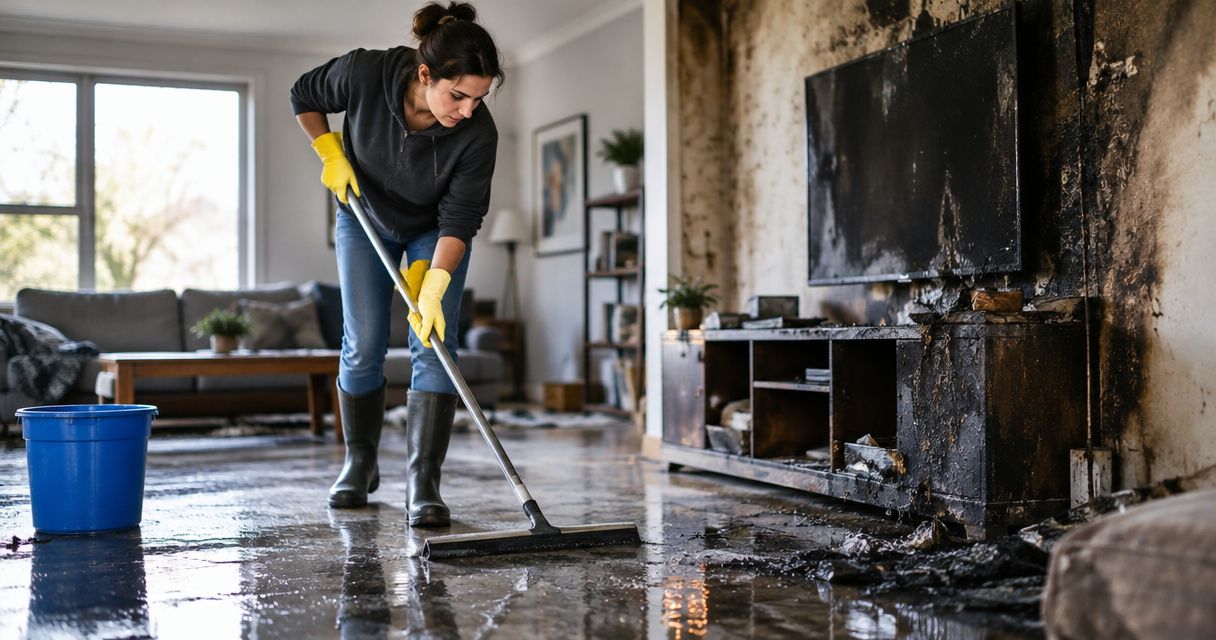
Firewaterdamage provides water damage restoration after an incident; a security notification does not automatically request that service. Contact the restoration company directly when cleanup is needed, and arrange plumbing repair separately where required.
Arrange water damage response
Contact Firewaterdamage for 24/7 emergency restoration response in its stated service areas.
Send an update when the water event clears
A second workflow is useful when the security platform exposes a supported return-to-normal event. Send that update to the same responsible recipients so they know the sensor no longer detects water at its contacts.
- Confirm that the platform supports a separate cleared or restored event for the enrolled water sensor.
- Configure the supported notification without disabling the original water-detection alert.
- Test activation and clearing as a pair. Confirm that recipients can distinguish the warning from the status update.
- Keep the incident open in your response record until someone verifies the affected area.
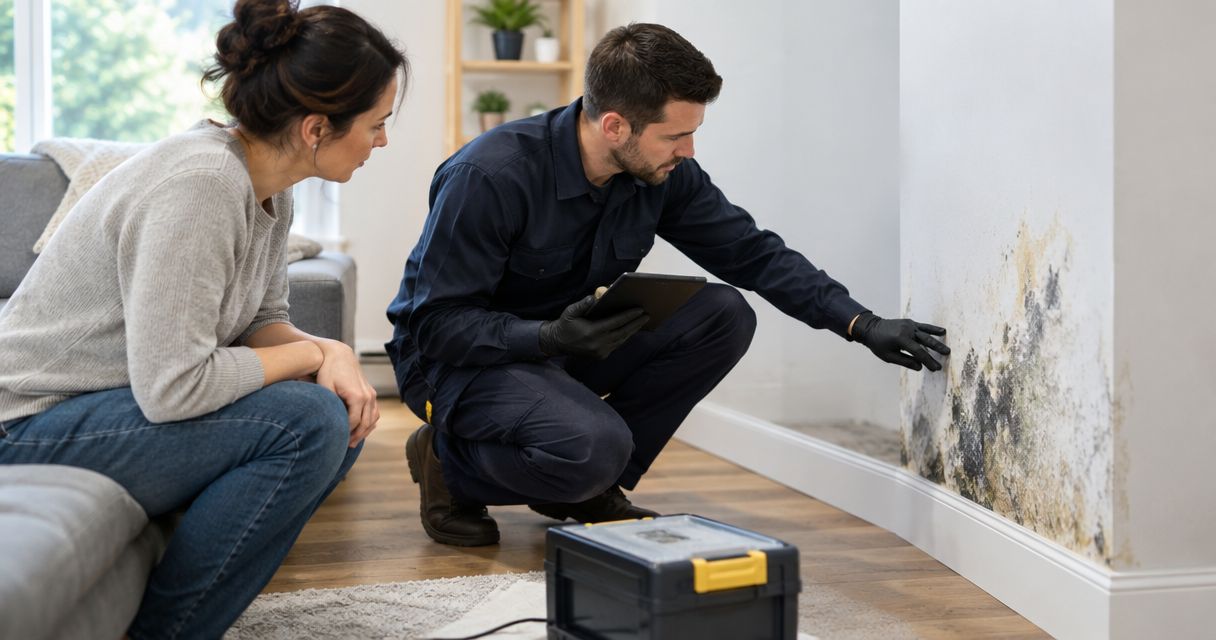
A cleared sensor is not proof of a dry building. Water can move away from the contacts while remaining beneath flooring or inside materials. Treat the update as device status, not a restoration completion notice.
If the platform offers no cleared-event notification, check the device's status through its supported interface. Do not build a rule around an event the system does not expose.
Troubleshooting
The sensor will not enroll
Check the exact model against the hub's supported-device documentation. Confirm that the hub is online, the sensor has power, and pairing follows the manufacturer's sequence. If the sensor belonged to another system, follow its documented removal or reset procedure before retrying.
The event appears, but the phone stays silent
Check the app's notification permission, sound settings, Focus or Do Not Disturb rules, and the recipient's account access. Then trigger another approved test. An event in the app proves detection reached the account; it does not prove the phone displayed a notification.
Alerts work only in one arming state
Review the sensor's documented behavior and the platform's event rules. Remove an unintended schedule or mode restriction where supported. If disarmed water notifications are unsupported, this configuration does not meet an always-on leak-warning requirement.
Alerts repeat after the apparent leak stops
Inspect safely for remaining water at the contacts and follow the cleaning and drying instructions. Check for condensation, routine splashes, incorrect placement, or continuing leakage. Do not silence repeated warnings until you have established why the sensor keeps activating.
Notifications stop after a power or network interruption
Check the hub, router, sensor, and phone separately. Verify the manufacturer's stated backup capabilities rather than assuming cellular or battery backup covers every device and notification path. Restore normal operation and repeat the end-to-end test.
Customize your workflow
Extend the response plan before adding more automation. Use 1 clearly named sensor per monitored location in your inventory, and document which person owns each alert. This is an organizational rule, not a claim that one sensor covers an entire room.
For your 2026 workflow review, remove former recipients and confirm current property access. For rentals, distinguish the person who receives notifications from the person authorized to approve work.
If you want a deeper response sequence, use the guide to connecting a smart water leak sensor to emergency restoration dispatch. Keep human confirmation in the process unless a provider explicitly supports and accepts an automated request.
Automatic water shutoff is a separate project. It requires compatible equipment and an appropriate installation; a notification rule alone cannot close a plumbing valve. It also cannot stop rainwater, groundwater, or another source outside that supply line.
FAQ
Can my home security system send flood damage alerts?
Your home security system can send water-detection alerts if it supports a compatible sensor and the required notification feature. A standard motion detector or door contact does not detect water.
Will a water sensor notify me when my alarm is disarmed?
That depends on the security platform and its configured water-event behavior. Verify the documented setting and perform a physical test while the system is disarmed.
Do home security system flood damage alerts automatically call a restoration company?
No—an ordinary notification does not automatically request restoration service. Automated dispatch requires an explicitly supported arrangement with the receiving provider.
Where should I place a flood sensor in my house?
Place the sensor where water from the suspected source will reach its sensing contacts, following the manufacturer's instructions. Keep it accessible for testing and avoid locations exposed to routine splashes unless the device permits them.
Will leak alerts work during an internet outage?
Remote alert delivery depends on the system's supported communications and backup capabilities. Verify those capabilities for your exact equipment; a local alarm does not prove a phone notification will arrive.
Does a cleared water alert mean the damage is gone?
No—a cleared alert means the sensor no longer detects water at its contacts. It does not establish that flooring, walls, or concealed materials are dry.
Can Firewaterdamage install my flood sensor?
Firewaterdamage's stated services cover fire and water damage restoration, not security-system installation. Ask your security provider or a qualified installer about device compatibility and installation.
One last thing
Test the person, not just the device. Ask your backup recipient what they would do after receiving the alert. If they cannot identify the property, locate the affected area, and explain the safe next action, the workflow still has a gap—even when every notification arrives.