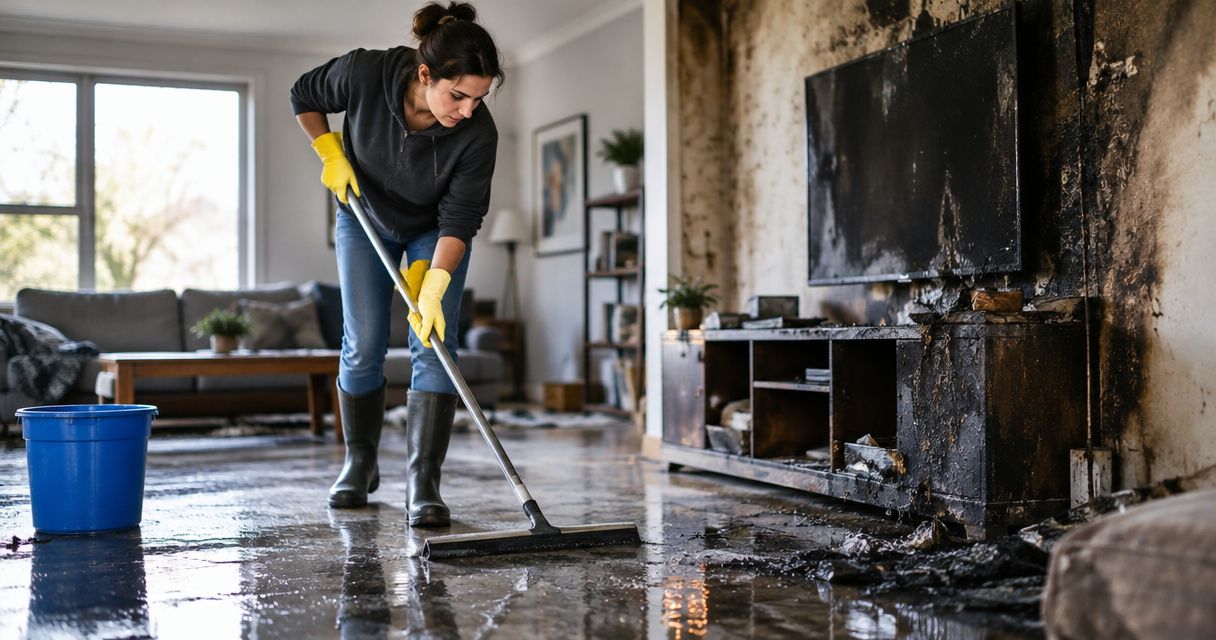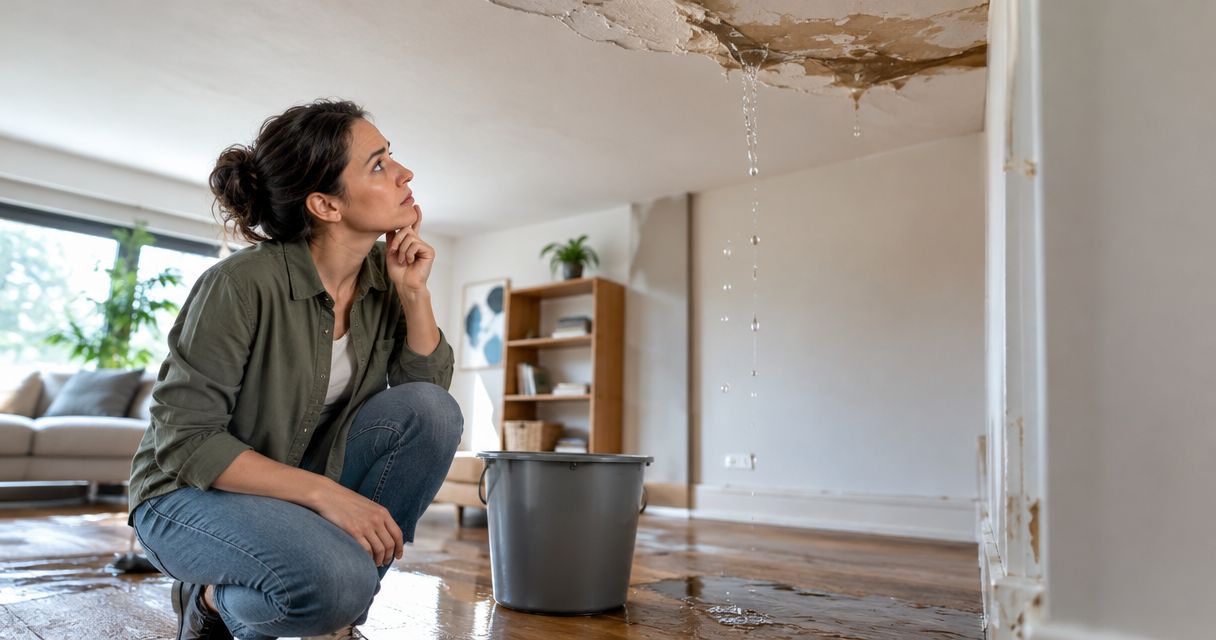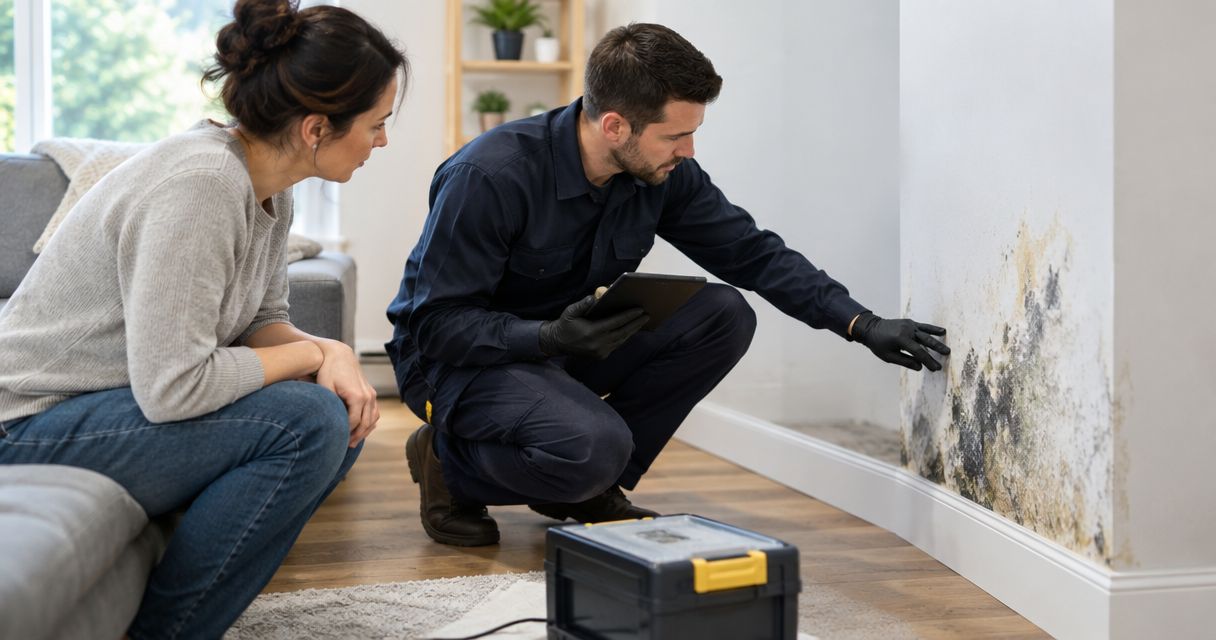
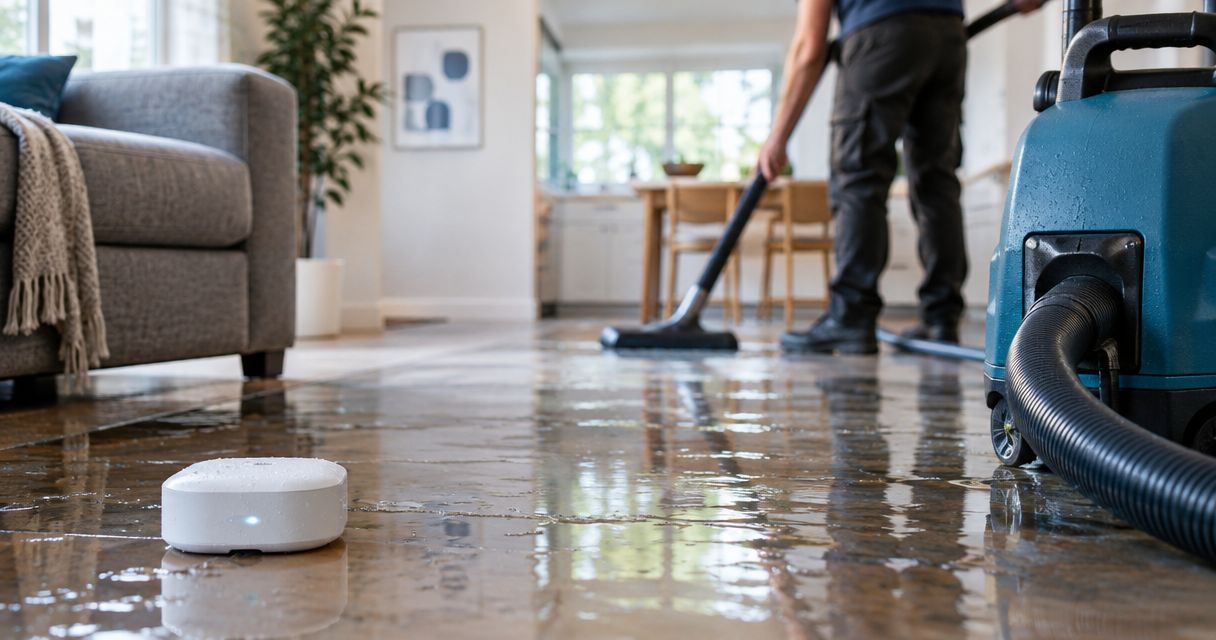
Instead of manually checking for leaks, build a Ring Alarm flood sensor water removal workflow that turns a sensor notification into a safety check, a call, and a documented restoration handoff. Ring detects water at the sensor; you still need a person to assess the incident and request emergency water removal.
- Ring Alarm flood sensor water removal requires a human handoff; a leak notification is not a restoration dispatch.
- Firewaterdamage provides 24/7 emergency restoration response for homeowners and property owners in its stated Southern California service areas.
- Connect the sensor, test notifications, assign a backup responder, and record the emergency water removal contact.
- Stop the water source only when safe; extraction and structural drying are separate from leak detection.
Why this matters
A water sensor closes the detection gap, not the response gap. If an alert reaches an unattended phone, nobody checks the property or stops the leak. Your 2026 response plan needs an owner for each action after the notification arrives.
Firewaterdamage is best for homeowners and property owners needing 24/7 emergency water damage restoration in Temecula, Escondido, and North County San Diego/Inland Empire. Keep Firewaterdamage in your response plan before an incident, rather than searching for a restoration company while water spreads.
Treat this as a notification-to-response workflow, not a native Ring-to-restoration integration. A sensor alert does not establish the source, contamination level, or extent of wet materials. Those questions require inspection.
Before you start
- Account and equipment: Have access to the Ring app, a compatible Ring Alarm system with its base station, and the Ring Alarm Flood & Freeze Sensor. Follow the instructions for your exact hardware and app version.
- Property access and response materials: Identify the water shutoff, safe access route, property address, and emergency contacts. Assign 2 response contacts: a primary person and a backup who can act if the primary misses the alert.
- The overlooked limitation: Ring water detection is not automatic restoration dispatch or automatic water shutoff. Confirm who will make the call, and do not assume an alarm monitoring arrangement covers water removal.
Before configuring anything, make sure both response contacts understand their authority. A renter, owner, and property manager can receive the same notification but have different permissions to enter, arrange repairs, or approve restoration work.
Ring sensor configuration
Connect and identify the sensor
- Open the Ring app using an account authorized to add devices at the property. Confirm you are working in the correct location before pairing.
- Select Set Up a Device and follow the prompts for your Ring Alarm Flood & Freeze Sensor. Use the included setup instructions for pairing and any requested device identification.
- Give the sensor a location-specific name, such as Laundry water sensor or Kitchen sink water sensor. Name the physical location, not just the device type.
- Open Devices and confirm that the sensor appears under the intended location. Resolve any pairing or connection issue before relying on it.
- Place the sensor according to Ring's instructions where leaking water can reach its sensing contacts. Keep it accessible for inspection and testing.
Expected result: The Ring app lists a connected sensor with a name that tells the responder where to look.
Placement determines what the sensor can detect. A sensor beside a washing machine does not establish whether water has reached another room. Avoid positioning it where routine splashes create confusing alerts, and do not assume a dry sensor means the entire property is dry.
For your 2026 setup record, note the room, nearby fixture, and date you checked the installation. A photograph of the location helps a backup responder find the sensor without searching every cabinet.
Configure and test notifications
- Open Devices, select the installed sensor, and review the notification controls available for that device in your app version. Configure the water alerts you intend the responder to receive.
- Check your phone's notification permissions for the Ring app. Review sound, lock-screen visibility, and any focus or do-not-disturb settings that affect your response plan.
- Give the backup responder authorized access through the account's supported sharing controls, where appropriate. Do not share your account password as a substitute for separate access.
- Perform the manufacturer's prescribed sensor test. Do not pour water across flooring, electrical equipment, or the base station to simulate an incident.
- Confirm that the intended phones receive the alert and that the location name is clear. Test the actual notification path rather than relying on a settings screen.
Expected result: Both designated responders know what the water notification looks like and can identify the affected property and sensor.
Use 1 supervised drill to test the complete handoff, not just the detector. The primary responder acknowledges the test, the backup confirms receipt, and both locate the response instructions. This is a recommended setup exercise, not a claim about Ring's delivery speed or reliability.
Emergency response configuration
Assign the response handoff
- Write a short response instruction for the named sensor: identify the property, acknowledge the alert, assess safe access, and contact the authorized responder.
- Assign the primary contact responsibility for acknowledging the notification. Specify how the backup takes over when the primary does not acknowledge it; choose that rule based on your staffing and access arrangements.
- Record the property address, unit number if applicable, entry arrangements, and person authorized to approve work. Keep access credentials in a secure location rather than a widely shared note.
- Record the emergency restoration contact and a separate plumbing contact when you have one. Stopping a plumbing failure and removing water are different tasks.
- Tell responders what not to do: enter electrically hazardous standing water, handle suspected sewage, or open damaged building materials without appropriate assessment.
Expected result: A notification has a named owner and a clear escalation path, even when the property owner is unavailable.
A 2026 response plan should describe authority as clearly as contact details. The person who sees the alert needs to know whether they can request attendance immediately or must contact an owner first. Resolve that decision before an actual leak.
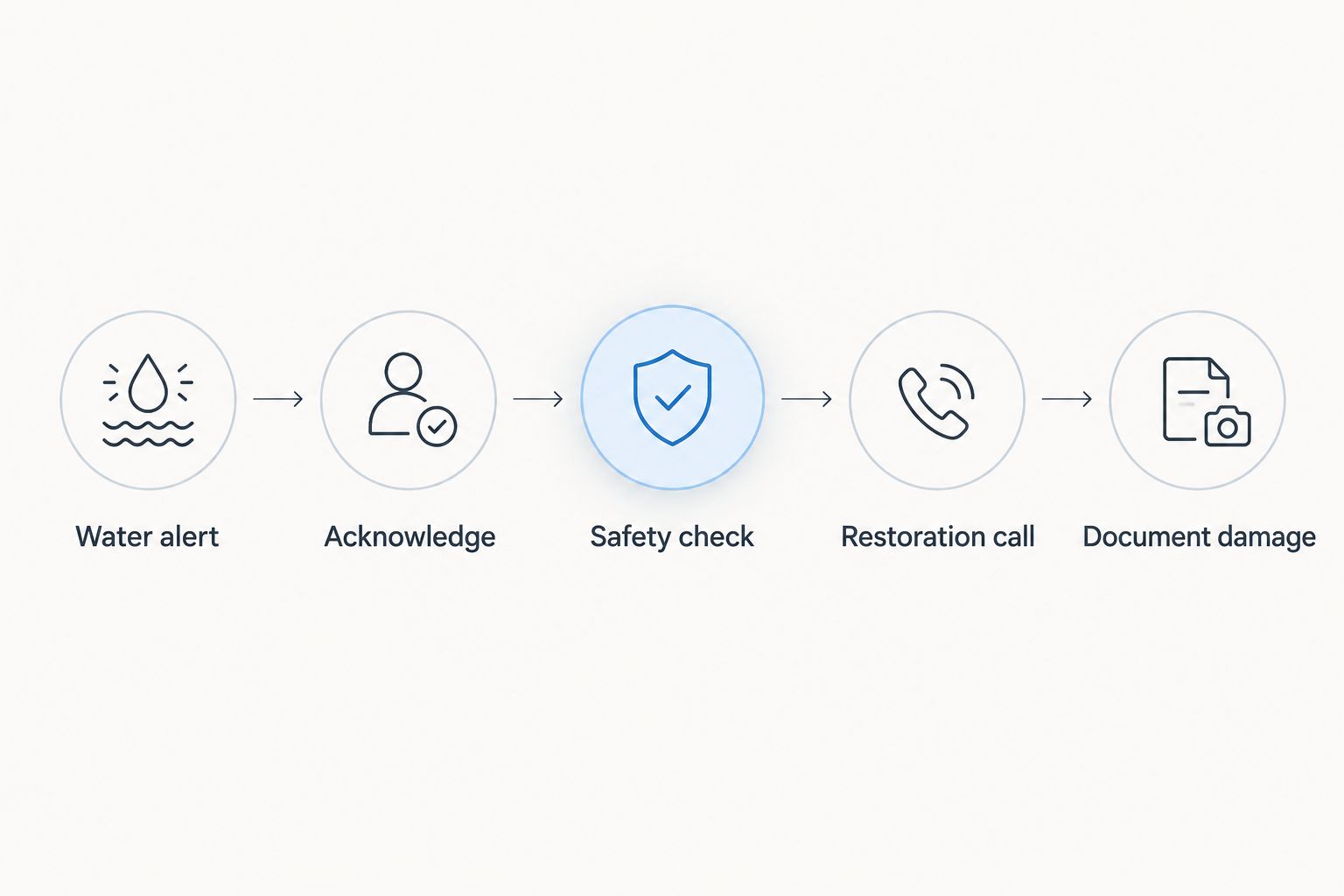
Handle the live incident
- Water alert: Read the sensor name and property location. Acknowledge the incident so the backup knows someone is responding.
- Safety check: Assess access before entering. Keep people away from water near electrical equipment, damaged ceilings, or suspected contamination. Contact emergency services when there is an immediate threat to life or safety.
- Stop the source only when you can do so safely. Use the appropriate accessible shutoff; do not enter hazardous water to reach it. Arrange plumbing help when the source requires repair.
- Restoration call: Contact Firewaterdamage for emergency water damage restoration within its stated service areas. Explain the source if known, affected rooms, visible standing water, access restrictions, and any safety concerns.
- Document damage: If safe, take 3 overview photos showing the source area, visible water spread, and affected belongings or materials. Add detail photographs as needed without delaying the safety response.
- Preserve the alert details and record who was contacted. Tell the restoration crew what has already been shut off, moved, or cleaned.
Expected result: The water source is addressed when safely possible, professional help has been requested, and the arriving crew receives useful incident information.
Do not equate a dry-looking floor with a completed cleanup. Water can reach materials beyond the sensor's location. Ask the restoration provider to explain its assessment of affected materials and its drying plan rather than assuming surface wiping is sufficient.
Request emergency water damage help
Firewaterdamage offers 24/7 emergency response in its stated Southern California service areas.
Variant: Respond when nobody is at the property
An unattended property needs a different handoff, not a different definition of an emergency. Keep the Ring alert as the trigger, but route the response through a person with authorized access. Do not ask an unbriefed neighbor to enter an unsafe building.
- Have the primary responder acknowledge the notification remotely.
- Contact the designated on-site person and provide the exact sensor location.
- Ask that person to assess access from a safe position and report visible conditions. Do not turn a phone call into instructions for hazardous entry.
- Give the restoration provider the available observations and explain that the owner is off-site.
- Confirm who can grant access and approve work before the crew arrives.
Expected result: The off-site owner retains oversight while an authorized person handles access and the professional handoff.
Choose the workflow that matches occupancy. Both options use a sensor notification; their strengths and limitations differ at the response stage.
| Response workflow | Best for | Advantage | Limitation |
|---|---|---|---|
| On-site response | Occupied homes with an available adult responder | Direct observation supports a clear incident report | The responder must still assess hazards before acting |
| Remote response | Rentals, second homes, and properties with off-site managers | Assigns access and communication before an incident | Requires an available, authorized local contact |
Keep the remote response instructions current in 2026 when tenants, cleaners, or management staff change. An old contact list is not a working escalation plan.
Troubleshooting
The sensor will not connect
Follow Ring's pairing instructions for the exact sensor and base station. Check the device's power condition and connection status before repeating setup. Do not treat an unpaired sensor as protection simply because it is physically in place.
Fix: Complete pairing, confirm the correct property in Devices, and repeat the manufacturer-approved test before enabling the response plan.
The sensor appears connected, but the phone stays silent
Check Ring app permissions and the phone's notification restrictions. Then review the sensor's available notification controls. A phone in a focus mode can undermine a plan that depends on audible alerts.
Fix: Run a supervised test on the actual responder's phone. Correct the notification path before counting that person as the primary contact.
The alert arrives, but nobody acts
This is a response ownership failure, not a pairing problem. Receiving an alert and accepting responsibility are separate actions. Group notifications without a designated owner leave the handoff unclear.
Fix: Require acknowledgment through your chosen communication channel and define how the backup assumes responsibility. Rehearse the handoff with both contacts.
The sensor alerts repeatedly after cleanup
Inspect the area and follow Ring's instructions for checking and drying the sensor. Repeated notifications require investigation; do not assume they are false simply because visible standing water is gone.
Fix: Check for remaining water or a continuing source, then retest the device as instructed. Ask the restoration professional about affected materials rather than silencing alerts to end the incident.
The sensor is dry, but another room is wet
A point sensor detects water reaching its sensing area, not every leak across a building. Water paths depend on the incident and building conditions.
Fix: Address the observed damage regardless of sensor status. Review placement after the incident and consider additional detection locations based on actual leak exposure.
Customize your workflow
Expand coverage by mapping leak-prone locations and giving each sensor a distinct physical name. Keep detection, source control, property access, and restoration as separate responsibilities. Adding devices does not replace assigning responders.
For multi-property operations, keep one response sheet per address. Include the authorized contact, access process, shutoff location, and escalation rules. Avoid a single generic instruction that sends a responder to the wrong unit.
Use the smart water leak sensor to emergency restoration dispatch guide to extend the handoff beyond this Ring-specific setup. The essential limit remains unchanged: do not describe a manual response plan as automatic dispatch.
FAQ
Does a Ring Alarm flood sensor automatically call a water removal company?
A Ring Alarm flood sensor notification is not automatic restoration dispatch. Assign a person to acknowledge the alert, assess safe access, and request emergency water removal.
Do I need a Ring Alarm base station for the Flood & Freeze Sensor?
The Ring Alarm Flood & Freeze Sensor requires a compatible Ring Alarm system with its base station. Follow the setup instructions for your exact hardware before planning the response workflow.
Can a Ring flood sensor shut off my water?
The Ring Alarm Flood & Freeze Sensor detects water; it does not itself close a water valve. Your response plan needs a safe manual shutoff procedure or a separately supported shutoff arrangement.
What should I do first when a water sensor alerts?
Identify the property and sensor, acknowledge the alert, and assess safety before entering. Stop the water source only when safe, then arrange the appropriate plumbing and restoration response.
Can Firewaterdamage help after a Ring water alert?
Firewaterdamage offers 24/7 emergency restoration response with IICRC-certified cleanup crews in its stated service areas. A homeowner or authorized property representative still needs to contact the company and explain the incident.
How do I handle a Ring water alert while away from home?
Contact an authorized local responder and arrange professional help using the available observations. Confirm safe access and work authorization rather than asking someone to enter hazardous standing water.
Does a cleared water alert mean my property is dry?
A cleared water alert does not establish that building materials are dry. The sensor reports conditions at its sensing location, while restoration assessment addresses the affected property.
One last thing
Test the person, not just the sensor. During your next 2026 drill, ask the backup responder to locate the named sensor and explain the next action without prompting. A delivered notification is only useful when someone knows what to do with it.